Gateway Installation
Requirements
- Installation of the .NET 8 Runtime Download .NET 8.0 (Linux, macOS and Windows)
- Internet Access to *.servicebus.windows.net (Port 443)
- SAP system accessible over the network (from the server on which the Gateway is installed)
- Certified SAP Add-On installed
Installation
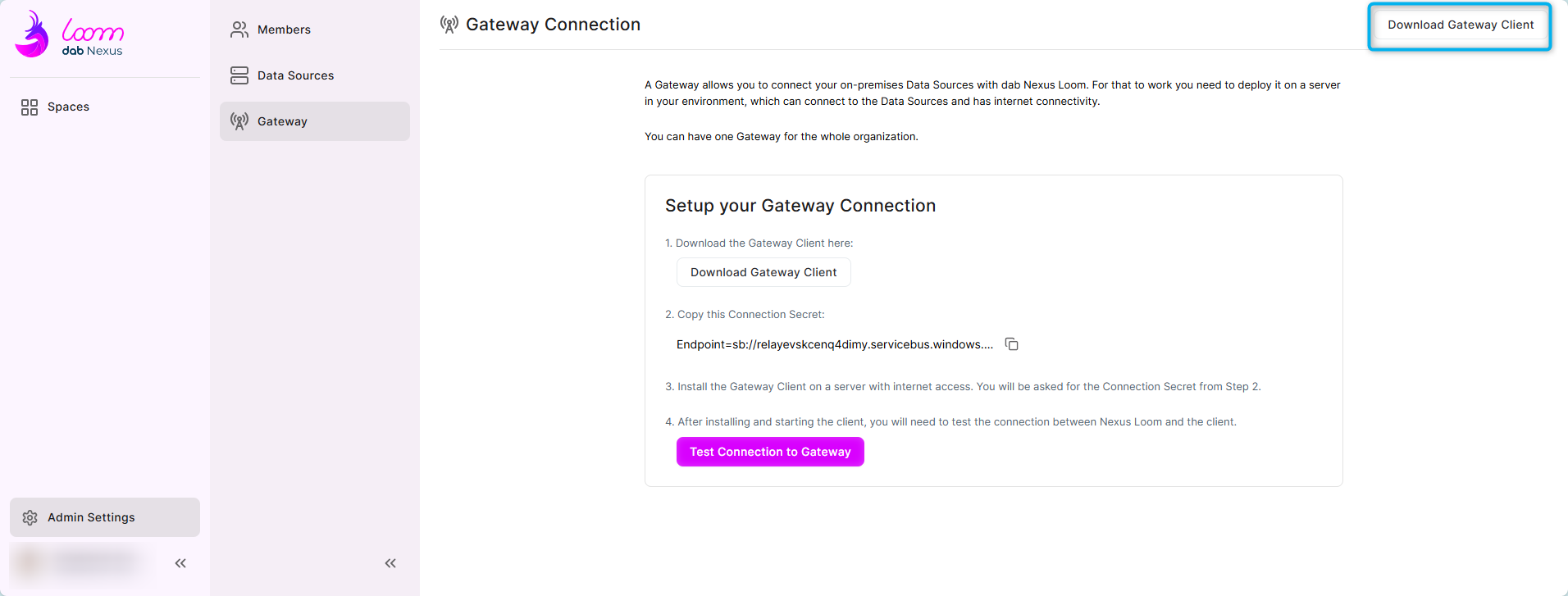
- If necessary, copy the installation file to the server where the Gateway will be installed
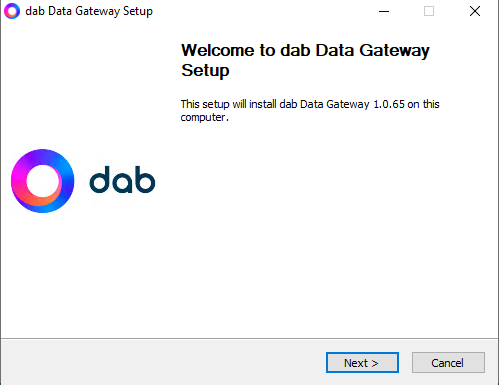
- Open the installation file and click on Next:
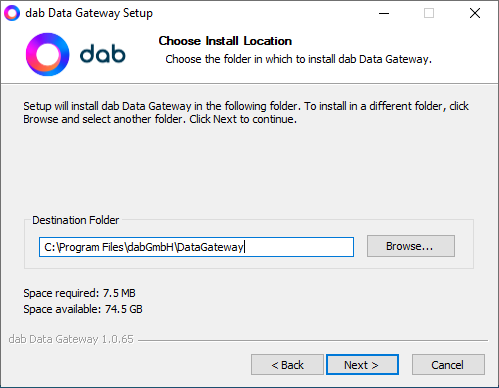
- Check the Destination Folder and click on Next:
Go back to dab Loom (the same screen where you downloaded the installation file) and click the copy icon at point 2:
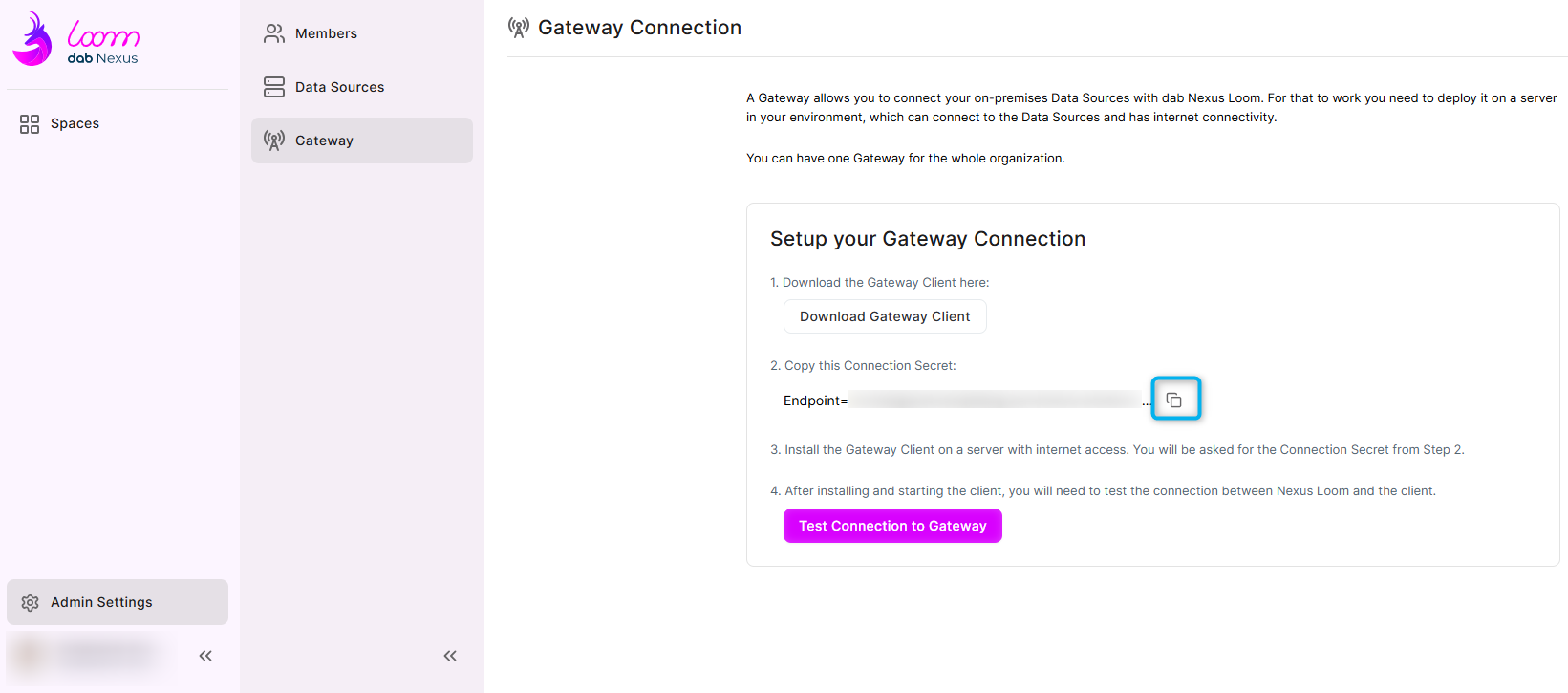
This will give you the Connection Secret or Connection String that will be used to establish the connection between the Gateway and the dab Loom.
-
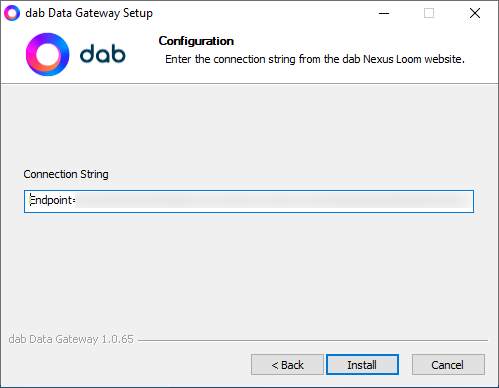
Paste the Connection-String into the Setup and click Install:
-
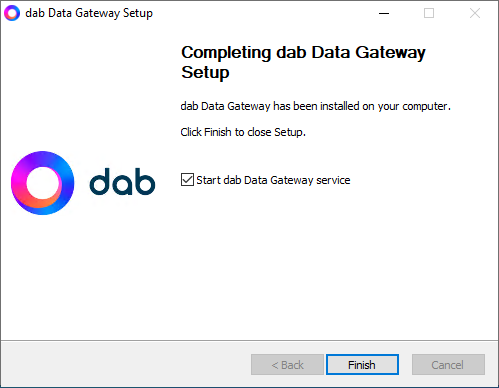
Once the installation has been successfully completed, the service can be started automatically:
-
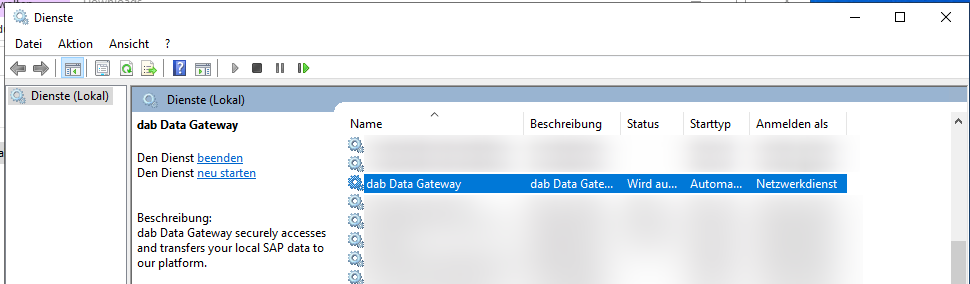
Check the service via Start > Services and search for the service dab Data Gateway (Status: Running)
-
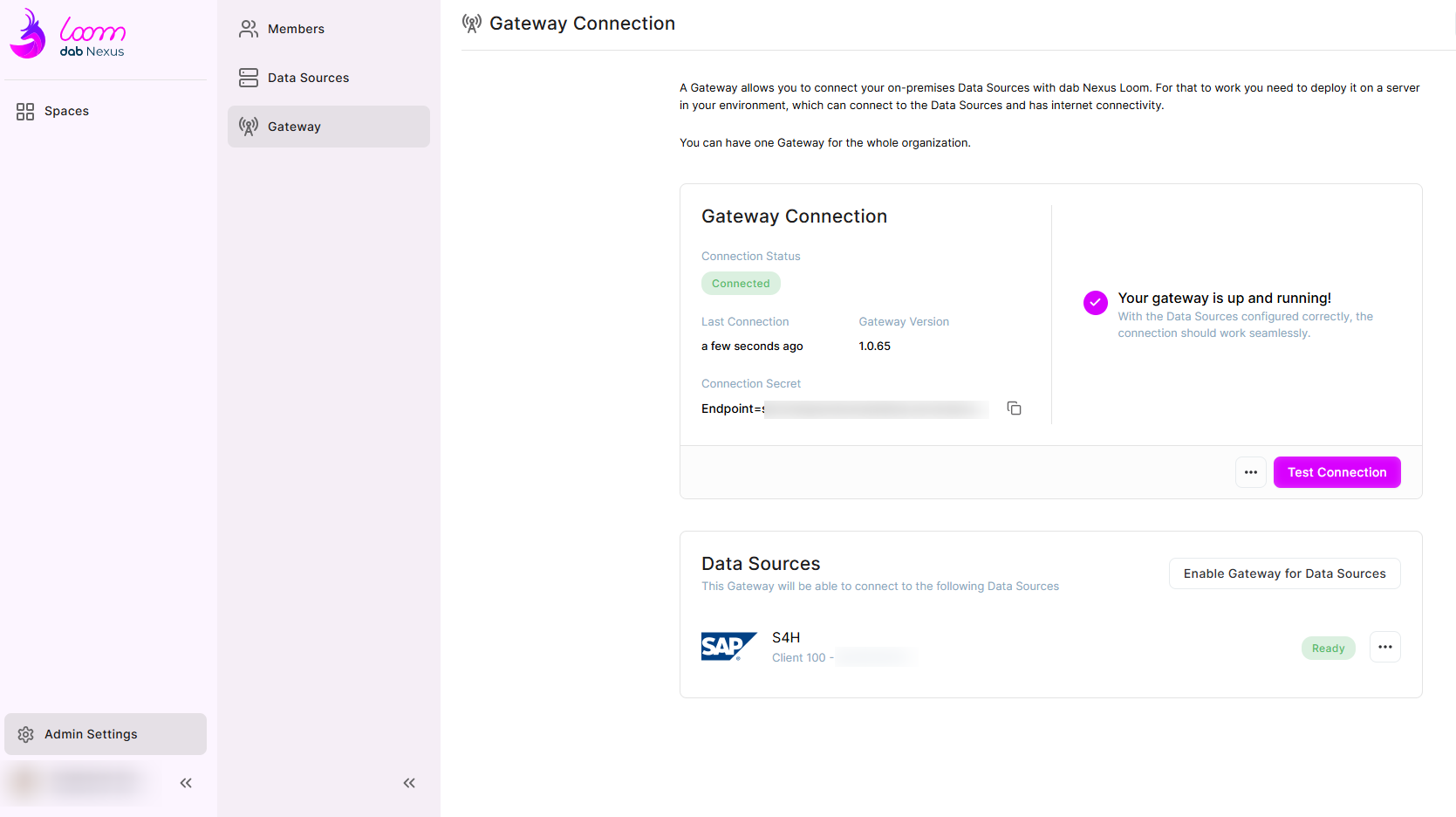
Go back to dab Loom > Account Settings > Gateway and check the connection. If the connection was successful, the screen should look like this: