Configure a Proxy Connection
Note
The option to configure a connection via a proxy is available from dab Link version 3.0.44.
This article explains how to configure the proxy connection. Please check which version of dab Link you have beforehand.
- Open dab Link
- Click on the i in the bottom left corner to switch to the information page
- The (frontend)-version can be found at the top of the information page
If you have version 3.0.44 or higher, the following button will appear:

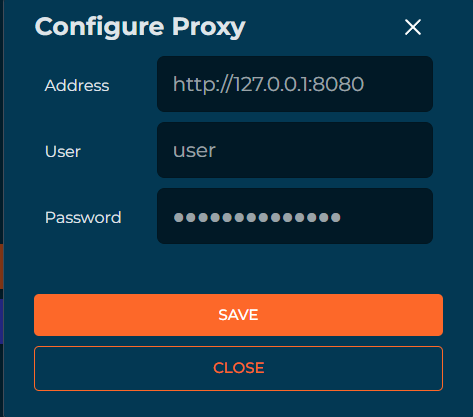
Click on Configure Proxy, the following popup opens:
Note
Your IT team will provide you with the address and user data. If you are using a proxy without authentication, you don't need to enter a username and password.