Import Script-DLL
First of all, download the latest script version of the AnalyticSuite, you can find it in our customer portal.
After login, click on Products in the download section and find dab AnalyticSuite Content.
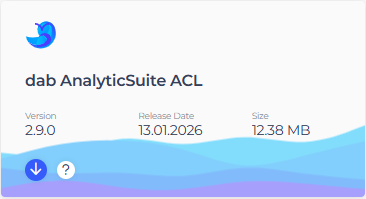
Download and unzip the file dabanalyticsuitecontent_2.x.x.zip to get access to the zip-file of the DLL > dabAnalyticSuite_DLL_2_x_x.zip:

After that, open the AnalyticSuite Configurator.
In the General settings, click on Import script content and select the relevant zip file > dabAnalyticSuite_DLL_2_x_x.zip:
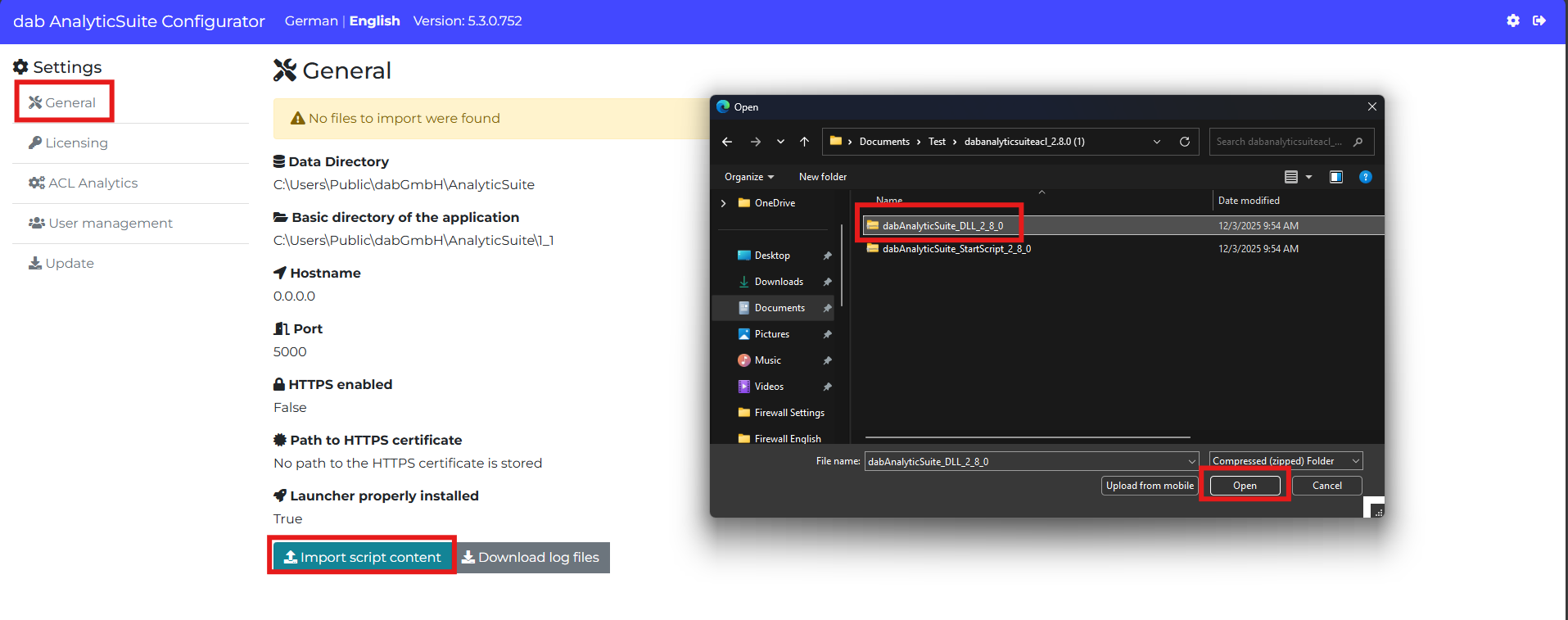
An information pops up that multiple files have been imported:
