User Exits
What are User Exits?
User exits offer the possibility to intervene in the processing of the generated application at defined points and at defined times or events in order to introduce customer-specific programs into the standard process. These are only necessary if the data is provided in advance.
Import
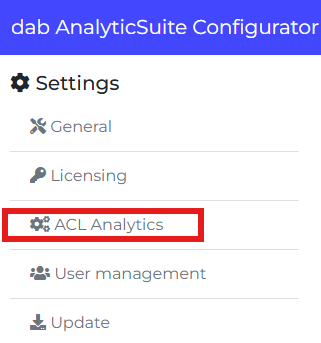
Open the AnalyticSuite Configurator and select the ACL Analytics tab:
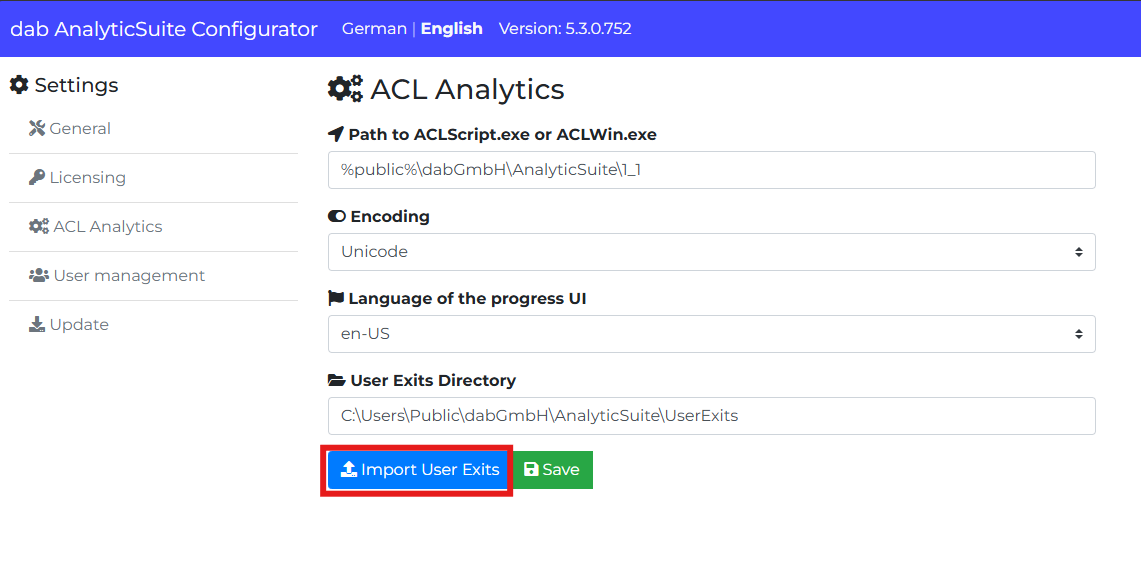
Press the button Import User Exits:
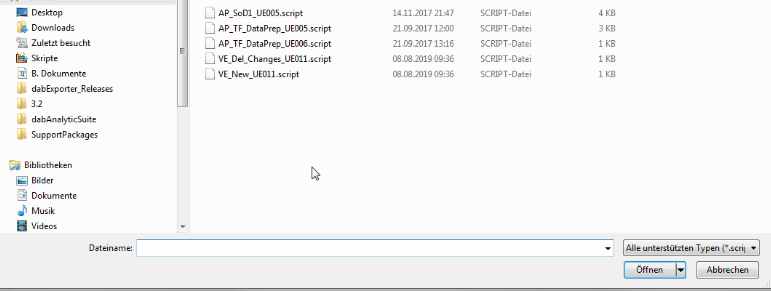
The File Explorer will open. Here you can select the needed User Exits (.script files).
When you have selected all wanted User Exits, click Open:
The User Exits have been imported successfully.