Update
You need administrator rights on your end device for the update.
An update for the dab Link is provided by dab GmbH, for example, to increase performance, to adapt to changing technical environmental conditions and to provide any new transactions and functions. If such an update is available, a Windows notification is displayed at startup (if active).
Even if you do not receive this information, you can access the information page by clicking on the navigation bar. Use the i button at the bottom left.
On this page you will find all the information about your license and can CHECK FOR UPDATES:
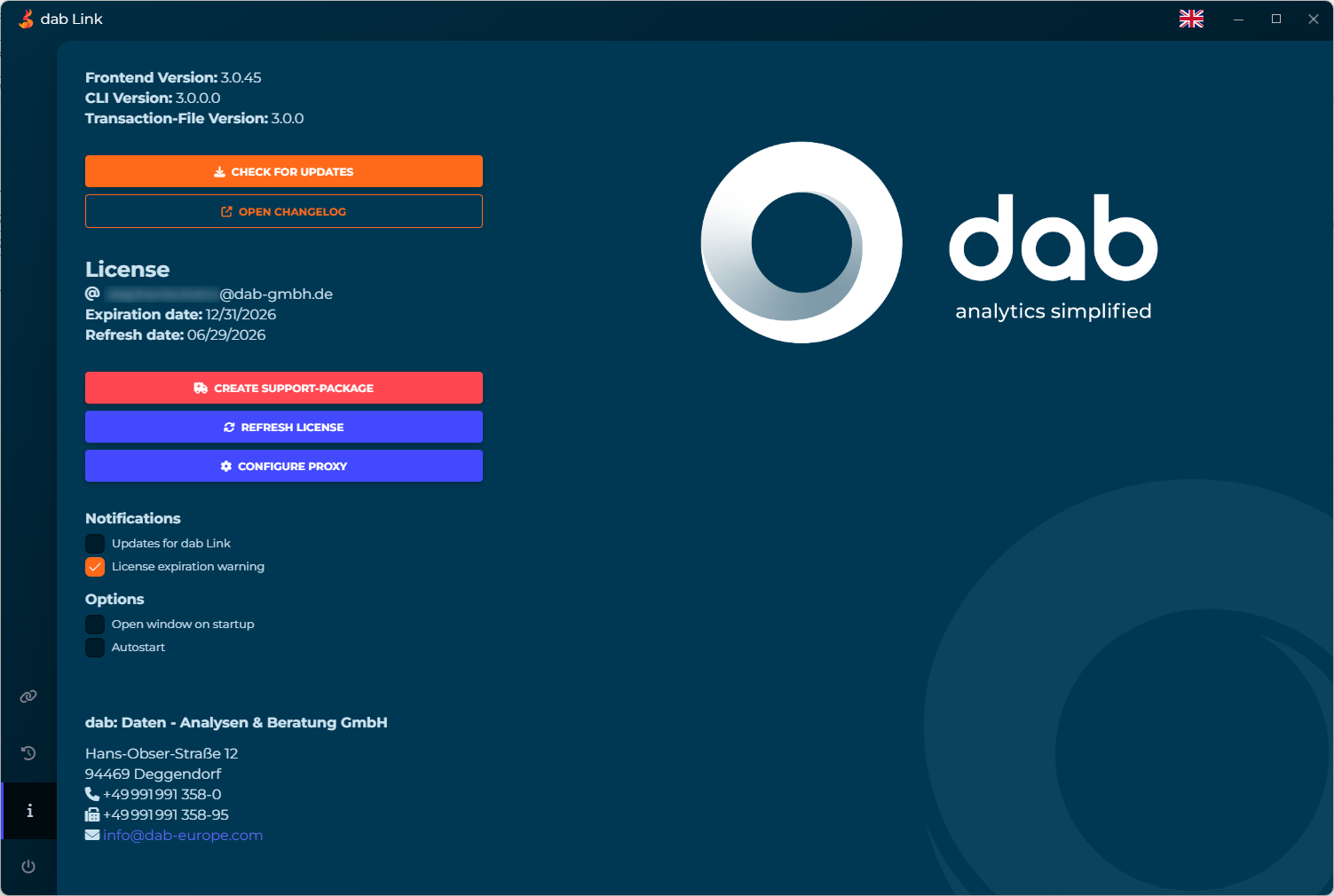
The required files are downloaded and the installation is started. Once the update has been installed, dab Link will restart and the latest version will be available.