Using dab Link
Interface & History
When you open the dab link you will see the following screen:
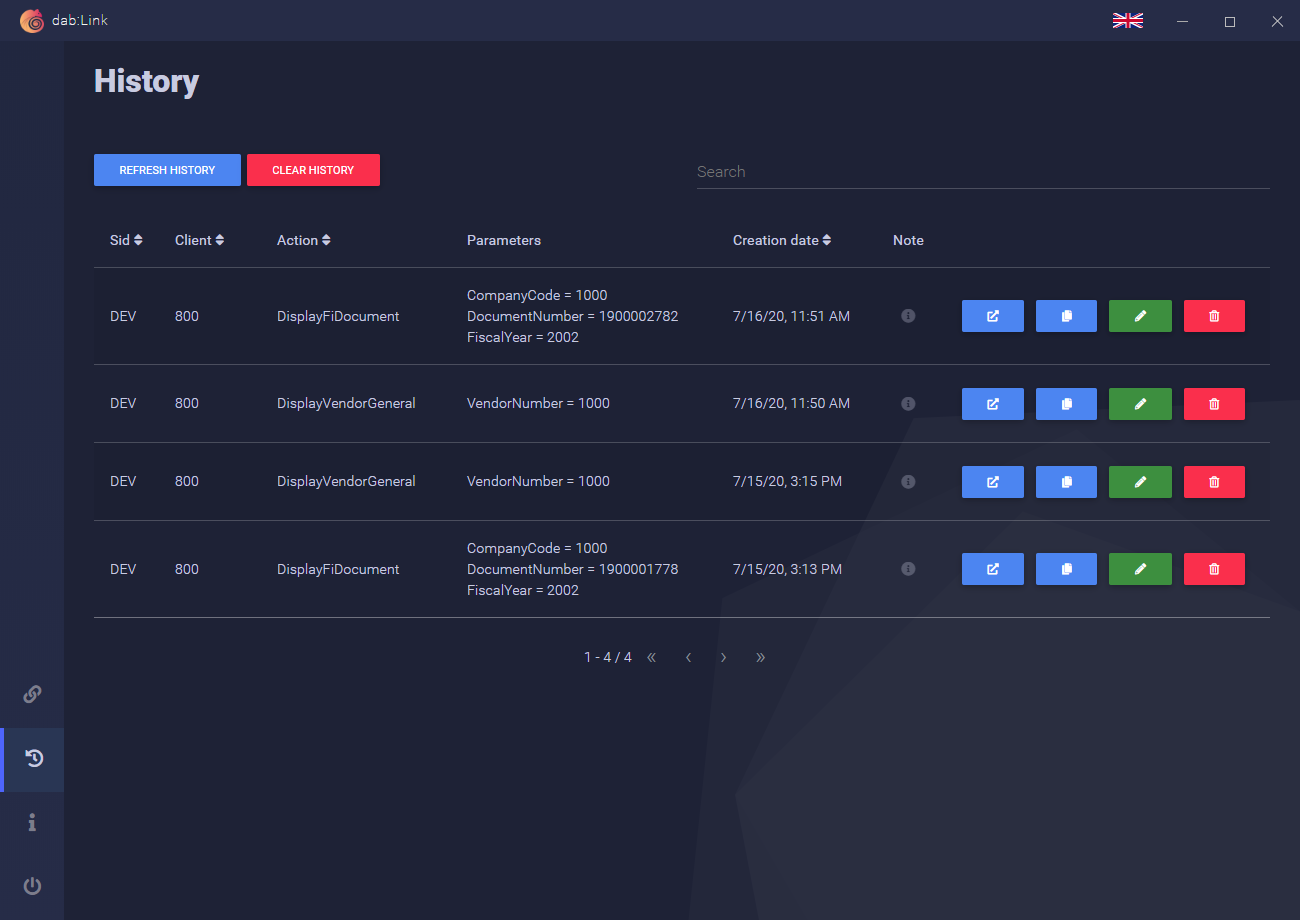
All the links you have clicked are listed here. You can clear the history at any time by clicking on CLEAR HISTORY.
You also have the option of performing the following actions for each link:


You can also search for links you have already clicked on in the top right-hand corner. You can easily select the language using the flag at the top right of the screen. Find the available languages here.
Link Creation
If you want to send an SAP document to a colleague, you can also create a link yourself and share it with the colleague.
Click on the following symbol:

Now the Link-Creator opens:
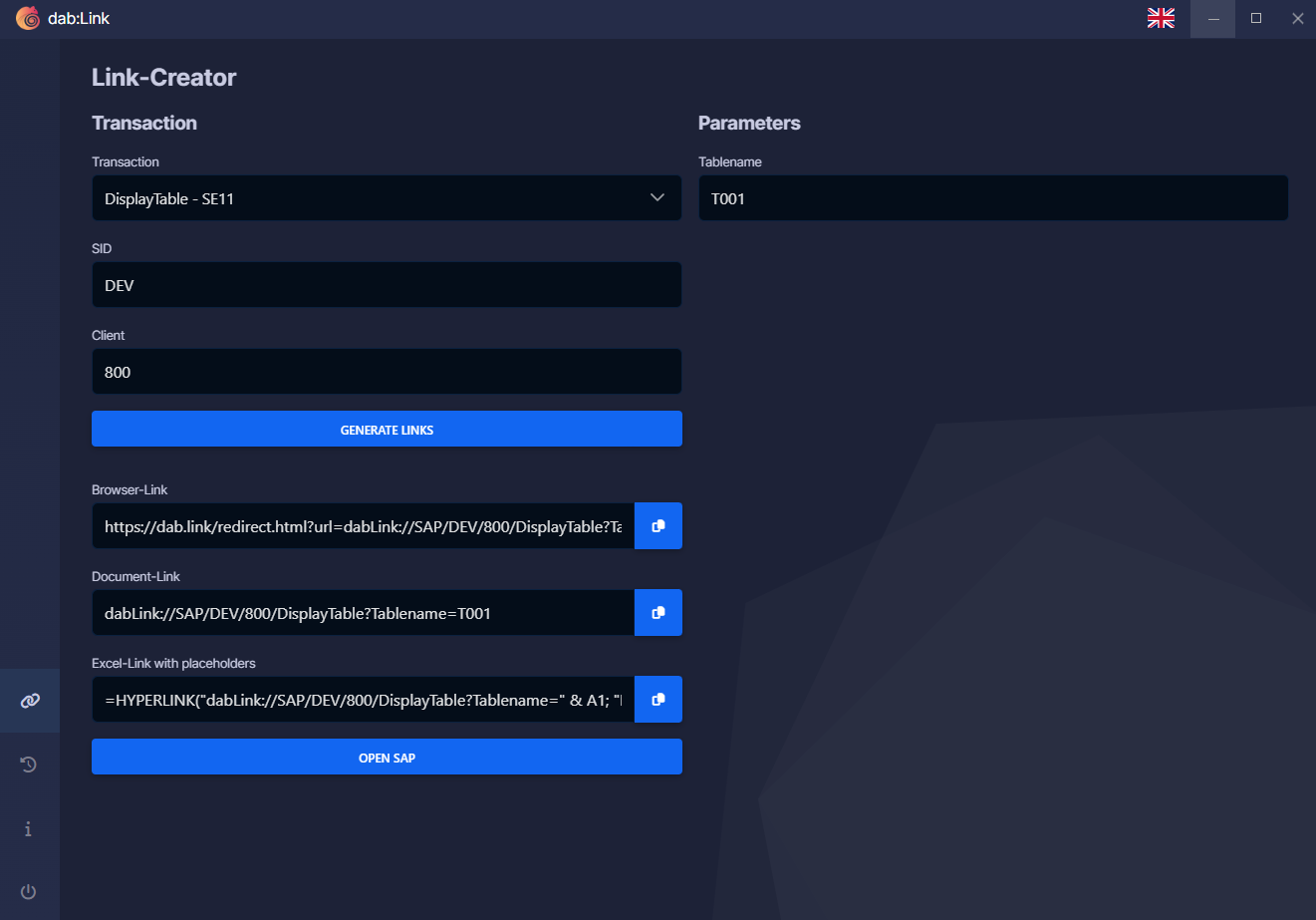
Here you can select a transaction and enter the required parameters. GENERATE LINK gives you three links that you can share with your colleagues. You can also jump directly to the document by clicking on OPEN SAP.
Open Link
By default, the dab Link is executed automatically every time you start it. This means that you only have to open your SAP logon and log in and you can jump directly to the SAP document by clicking on your link.
If the dab Link is not executed in the background, you will be asked for your consent to execute the dab Link when you click on the link. The following screen will then appear in your browser:
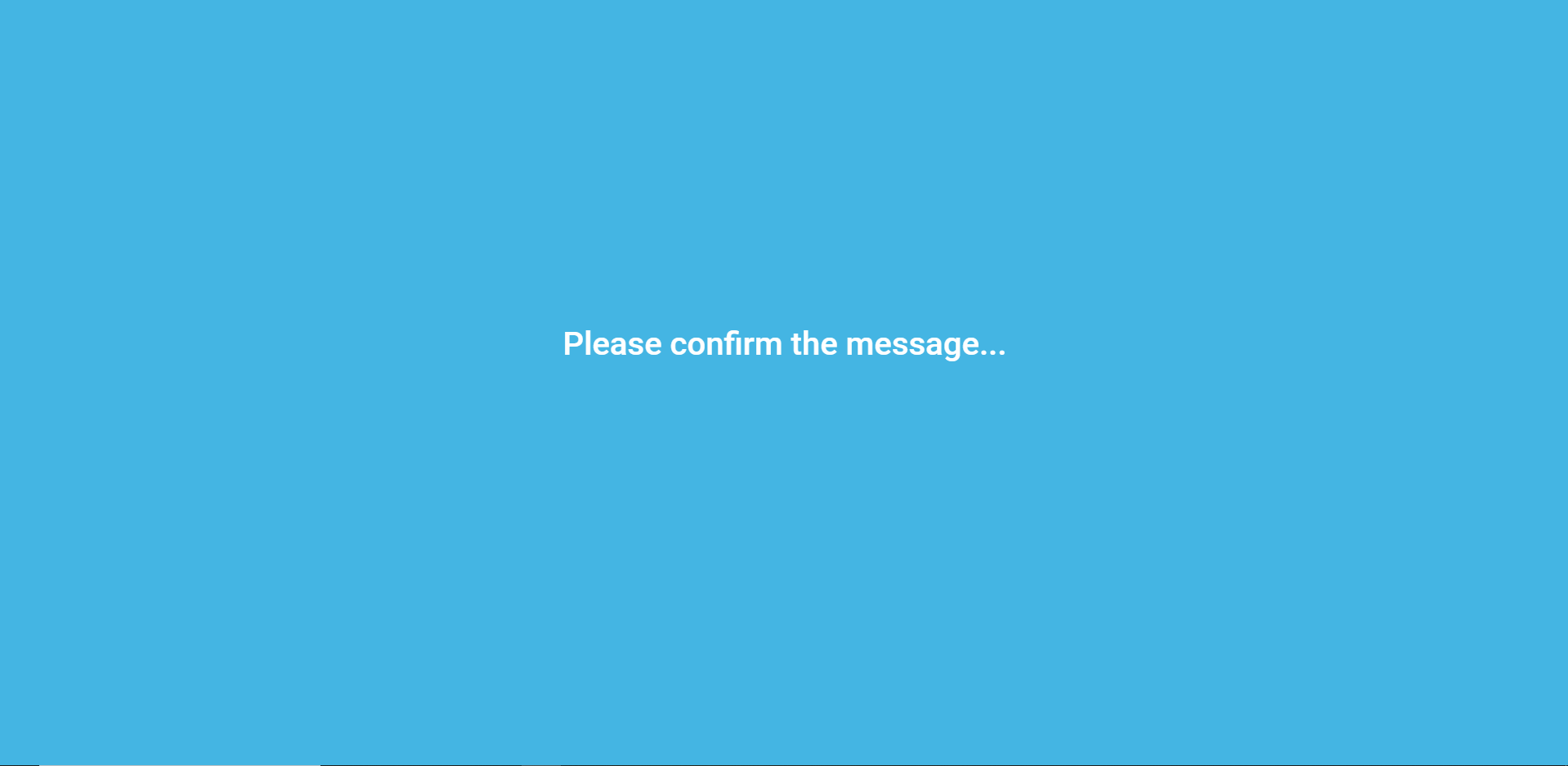 The dab Link will now start and redirect you to the SAP document as usual.
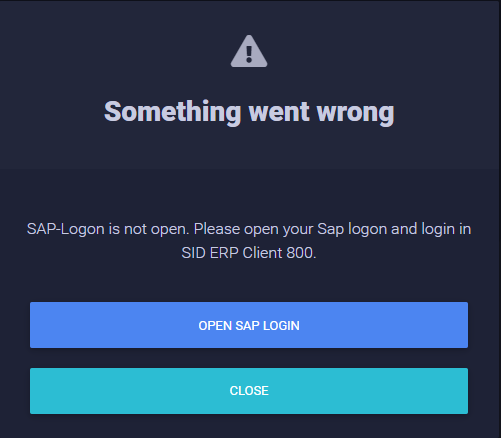
Please note that you must always be logged in to SAP when using the dab Link. Without an open SAP, the link will not work and you'll receive the following error message: